


No double bookings
Slots respect duration, buffers and special days.
Bookmefy helps you launch an appointment scheduling website and online booking flow under your own brand. Manage calendar, services, and reminders in one place while clients book online 24/7.
Check your booking page name
Use 3-40 chars: letters, numbers, hyphen.
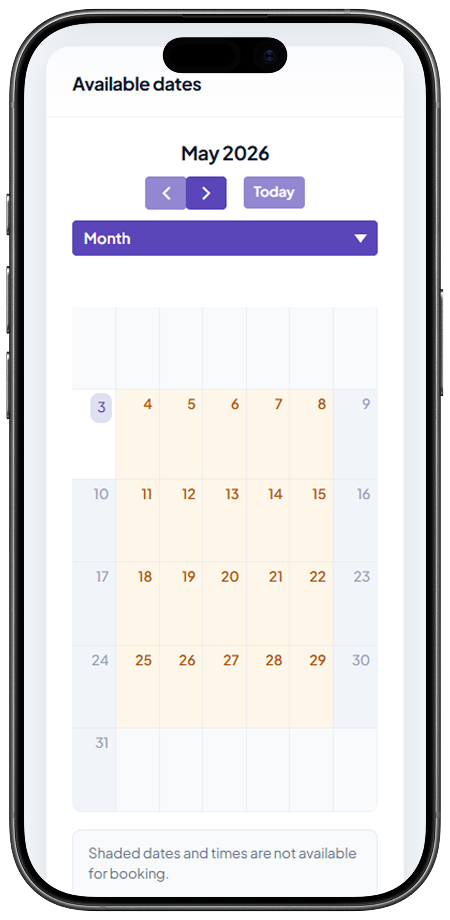
Replace phone tag and messy chats with one calm workflow — from first click to the last appointment of the day.
Slots respect duration, buffers and special days.
Clients pick a time on your page while you stay focused on your work.
Drag, reschedule and see what’s next instantly.
Start with 7 days free and test the full workflow in real day-to-day operations.
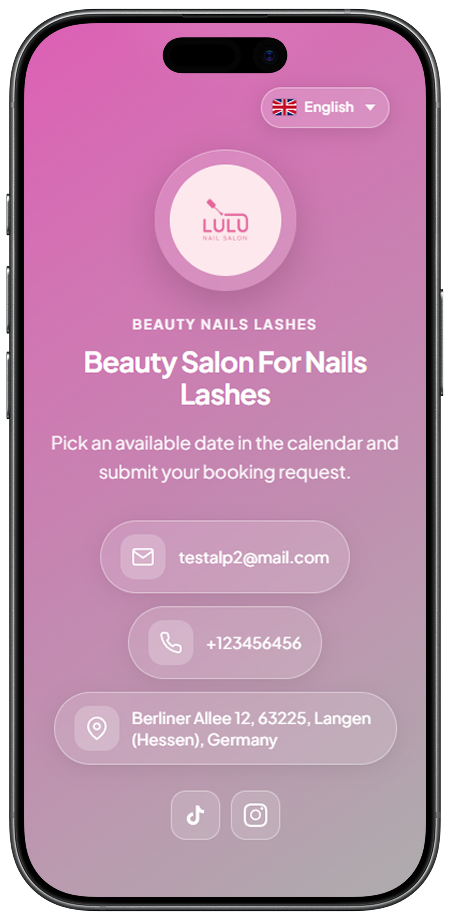
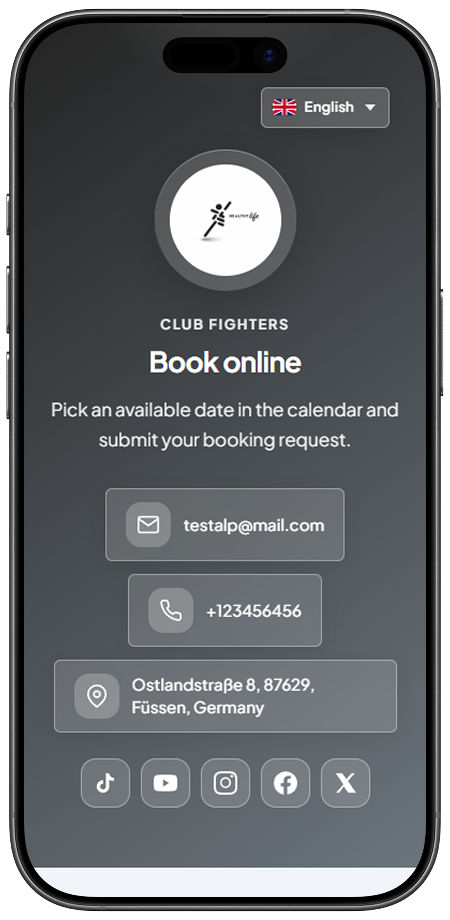
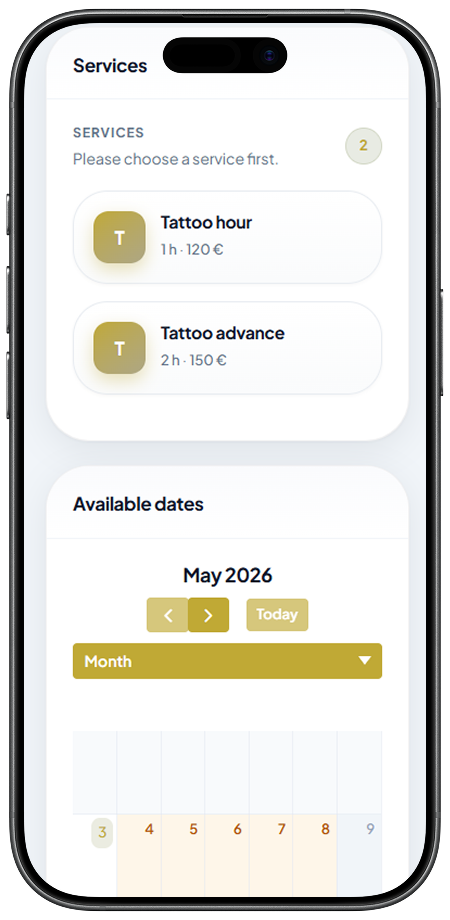
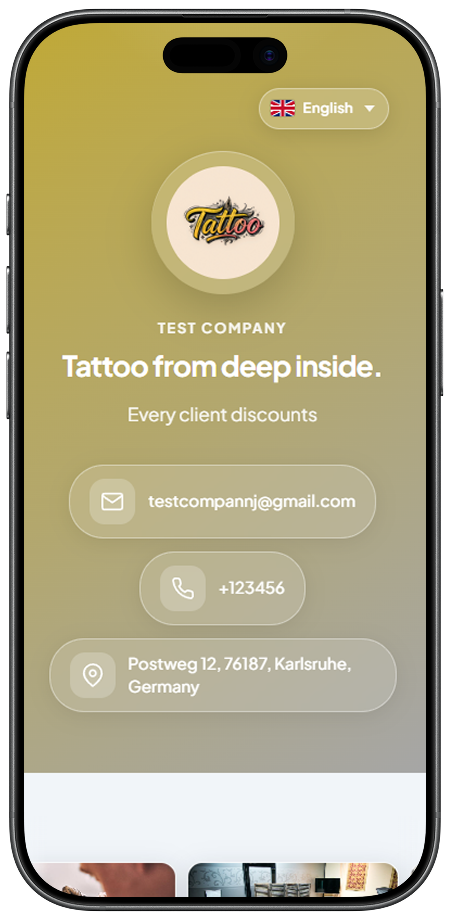
Examples of the admin calendar and client-facing side across different visual themes.
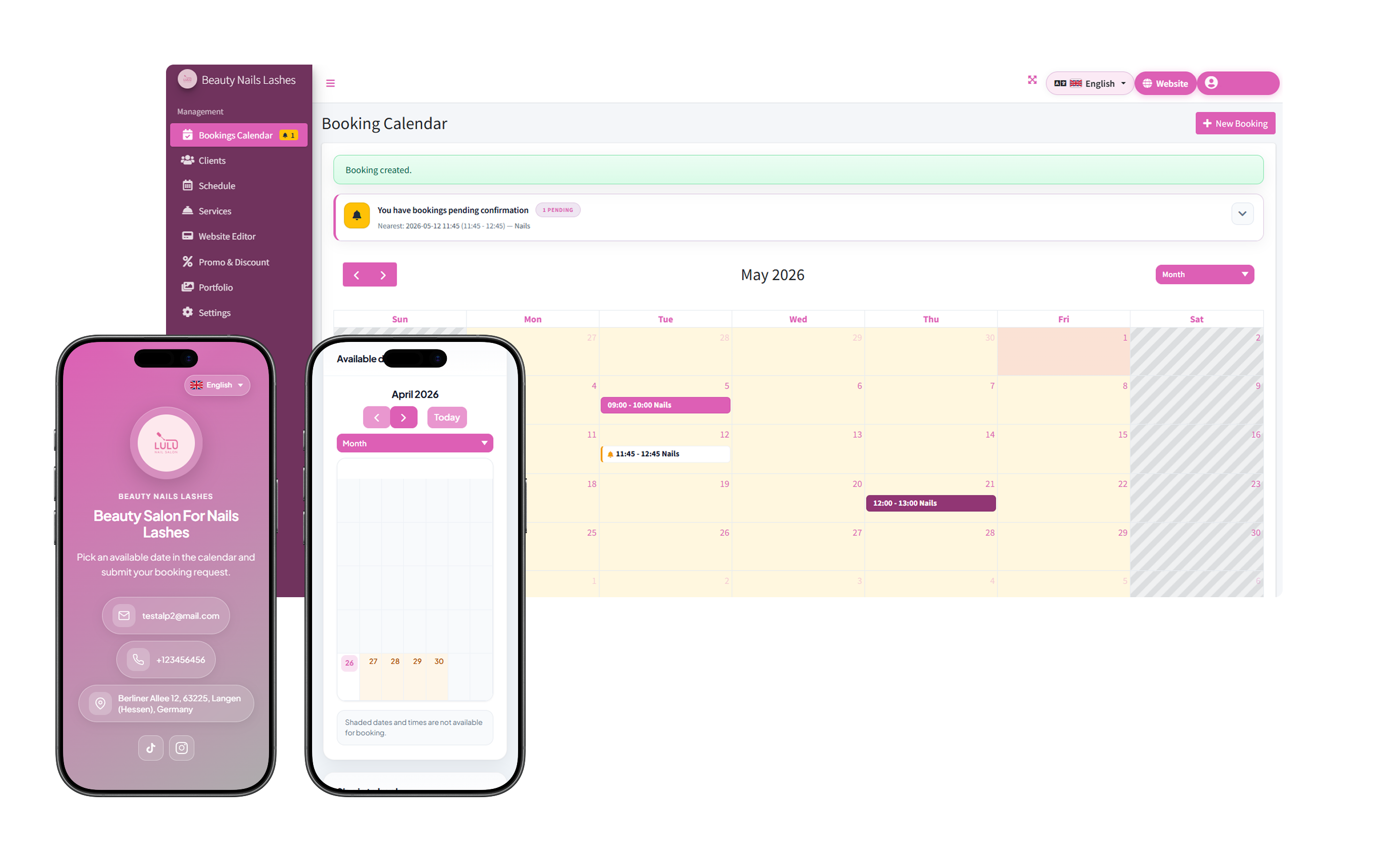
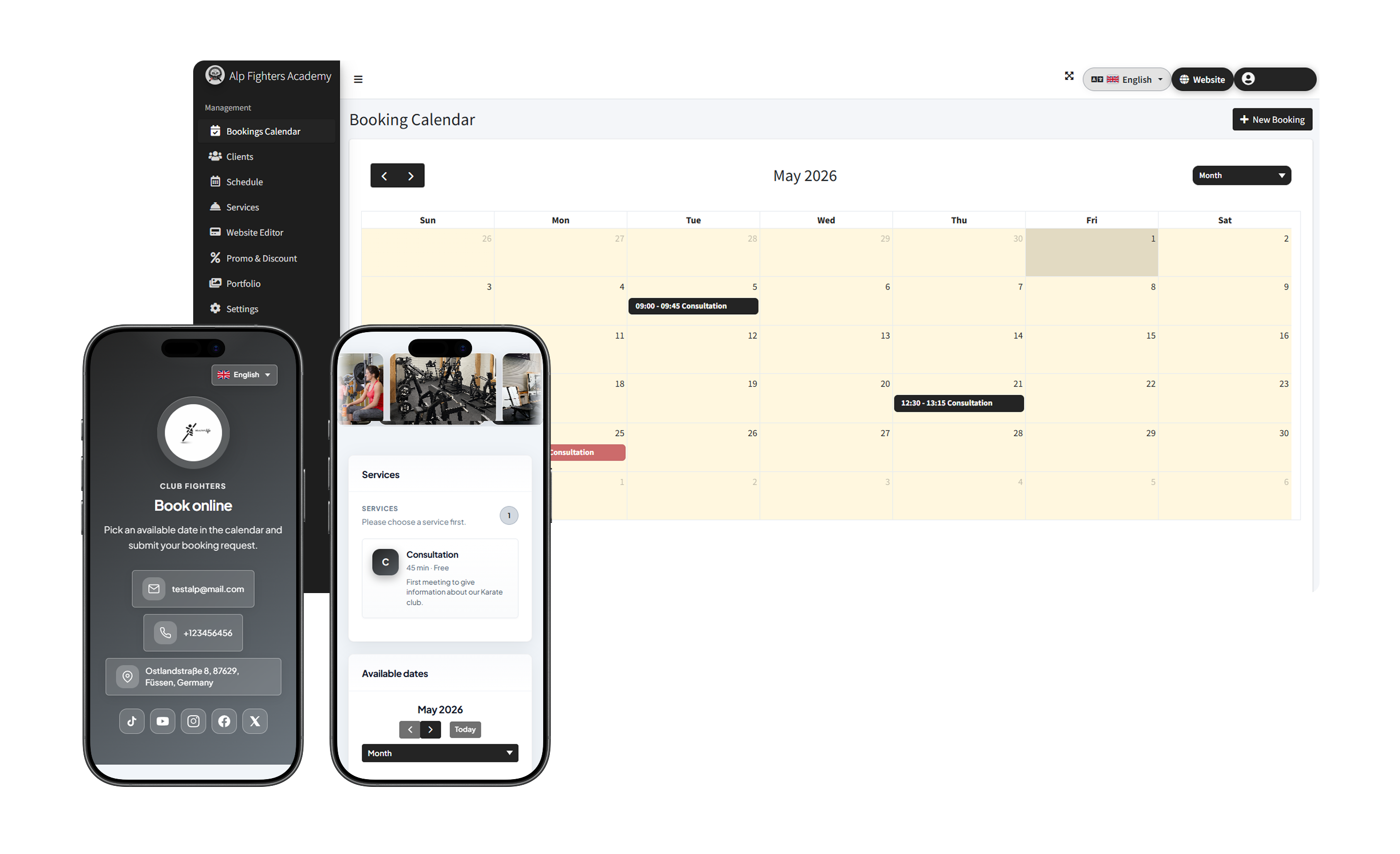
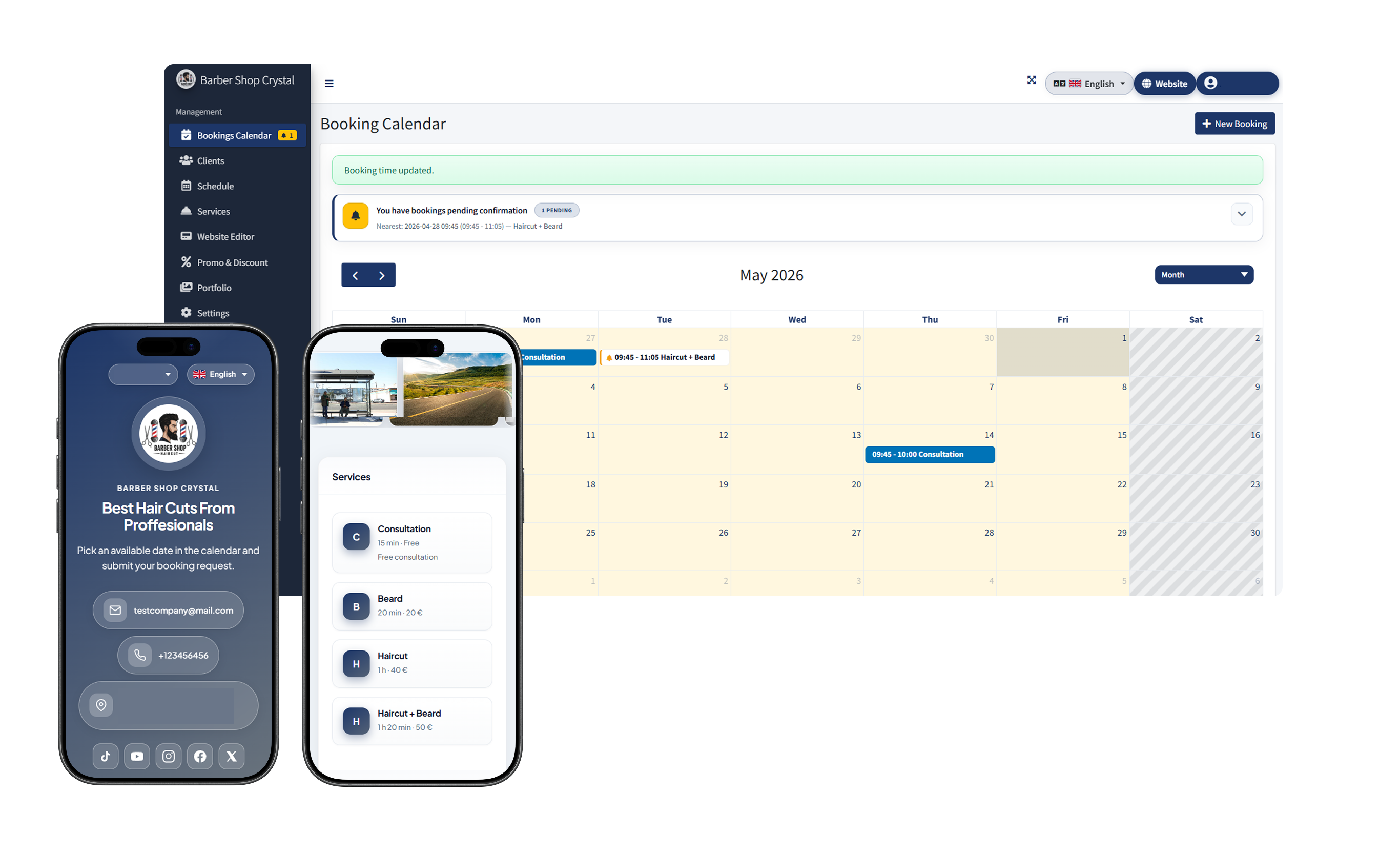
Fewer interruptions, clearer days, happier clients.
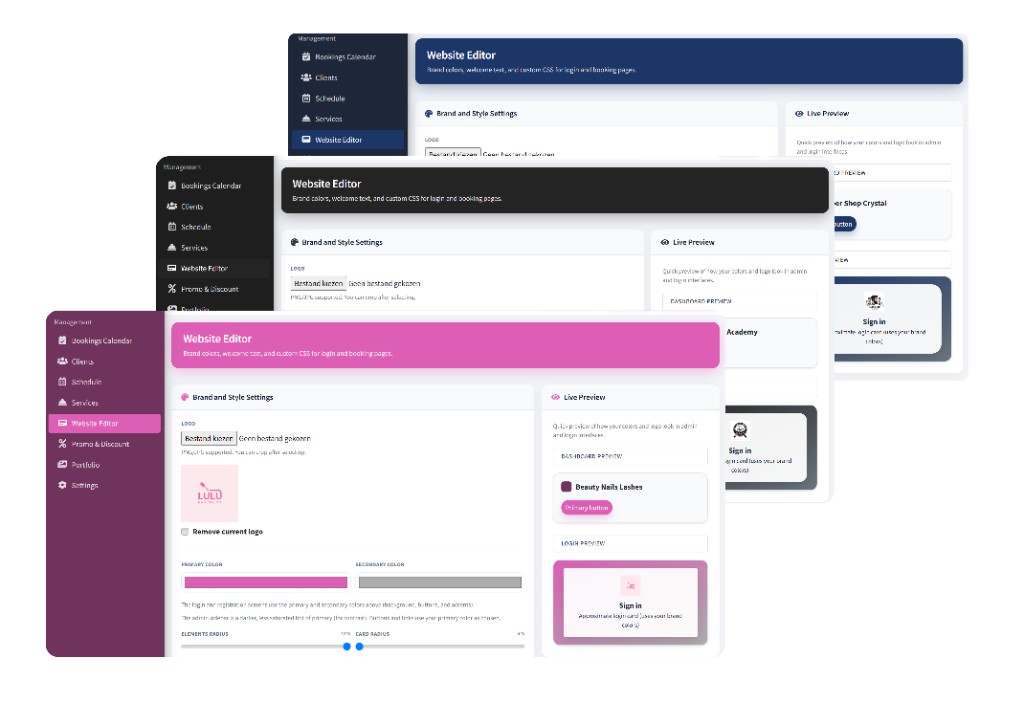
Upload a logo, set primary and accent colors, corner radius, and welcome copy — then see a live preview of your login and booking pages. Update the look anytime from the admin panel.
From setup to the first booking in three clear steps.
Set when you are open, prices, duration and buffers between visits.
Clients choose a slot on your page — everything lands in your calendar.
Reschedule in one click, keep client history and promos in one place.
The next step is a built-in helper that works alongside your booking page and admin panel. Clients will choose services and times faster, while administrators will navigate schedules and requests with less effort.
Dense blocks that mirror how you actually run the day — calendar first, everything else follows.
See appointments, move them when plans change, and keep services aligned with real durations — without exporting to spreadsheets.
Buffers and service length shape what clients can pick.
Share one link with clients while keeping full control over the look and feel.
When marketing and operations share one system, you spend less time reconciling tools and more time with guests.
Example layout: photo rows for your work, then services, sign-in and the calendar — a single calm surface for clients.
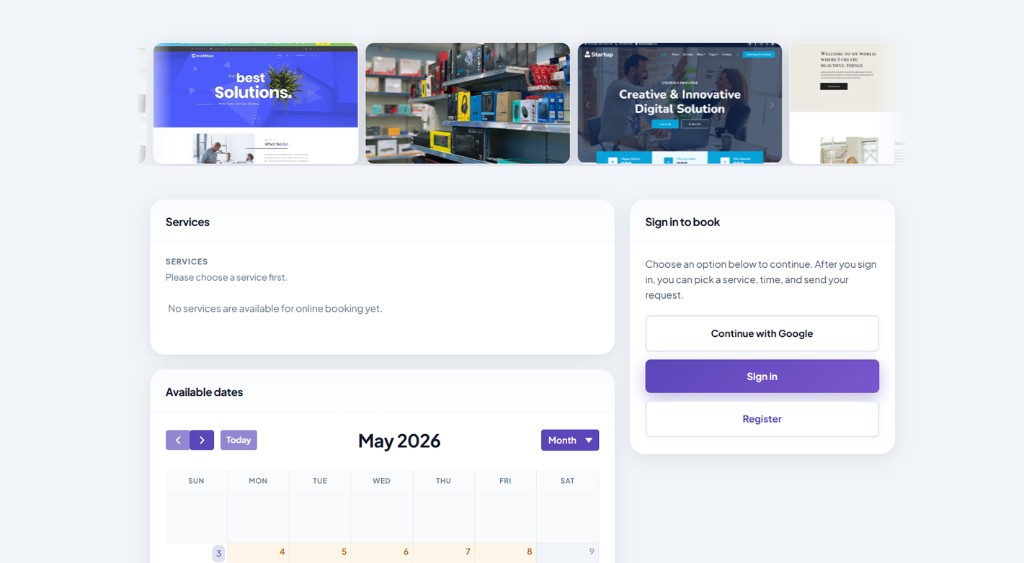
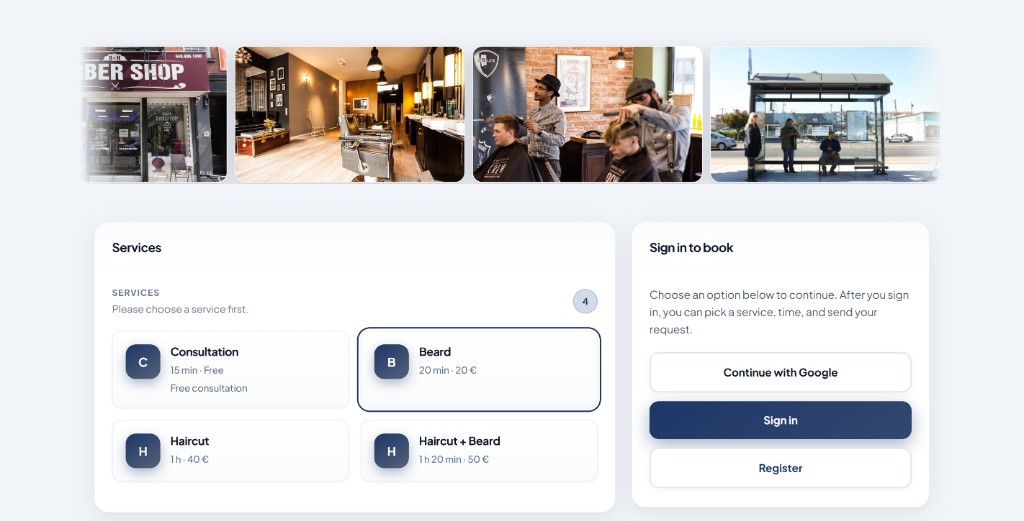
From schedule to your booking website with editable design — tuned for salons, studios and clinics.
Drag, reschedule and see the day at a glance — no double bookings.
Set prices, lengths and buffers so slots always match how you work.
A personal page on your link where clients schedule appointments without calls or back-and-forth chats.
Keep client history handy and highlight offers when it matters.
Weekly hours plus special days — holidays and one-offs stay under control.
Email notifications are already sent to the administrator and client so confirmations and important changes do not get lost.
We are preparing an assistant for clients and administrators: it will answer questions, help with booking and give schedule guidance.
Update copy, sections, and visual style so the site truly looks like your brand.
Your team and clients can act from any device — no app install required.
Get 7 days free before billing starts. Price and billing period are loaded live from Stripe.
Subscription for online booking service Bookmefy.com
Secure payment · 7 days free first, then subscription billing. Cancel anytime in the Stripe customer portal (when enabled for the product).
Quotes from a mix of solo pros and growing studios — typical Bookmefy users.
«We stopped playing phone tag. The link lives in Instagram and clients just book.»
«Buffers between color and cut finally match how we work — no more squeezed appointments.»
«I see the week in one place and can move things without breaking the rest of the day.»
Straightforward facts about how Bookmefy fits into your workflow.
No — this is a product landing. Your guests use the public booking experience you configure in the admin panel.
The admin panel runs in the browser. Use it on desktop or mobile — nothing extra to install for day-to-day work.
Yes — set duration and gaps per service so the calendar only offers feasible slots.
You can define weekly hours and adjust for exceptions so clients never see impossible times.
Sign in to the admin area, add services and hours, then share your public booking link.
Keep your schedule, services and client touchpoints in one place — fewer tools, fewer mistakes, more time for real work.
Start with 7 free days and tailor the page design to your brand in just minutes.
Start 7 days free